

Invoices · Evidence
Supplier information, kept in context
Upload supplier invoices with a phone camera and keep the original document alongside captured details for checking.
Cost clarity for working kitchens
Upload supplier invoices with a phone camera, track changing prices and cost recipes and menu items in one connected workflow. Built to save chefs time on manual costing.
Log in for existing customersPrivate demonstration: see Kitchen-Cost and discuss your kitchen before applying.
Trial: request Business access and begin the signup and approval journey.
THE PRESSURE IS REAL
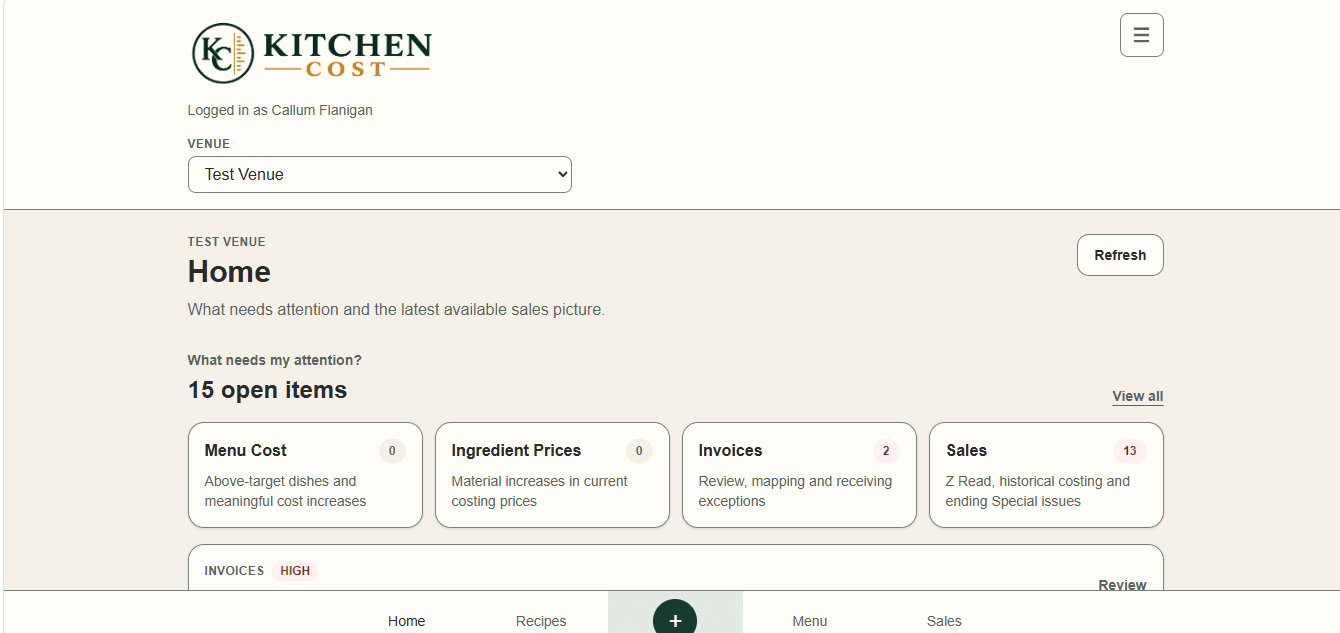
A supplier price moves. A recipe quietly costs more. The estimated food cost shifts, but the menu price stays put until someone spots it.
Kitchen-Cost brings those connected details into view, so you can investigate a change and make a considered pricing decision before it becomes an unpleasant surprise.
Price change
Recipe cost
Menu decision
A PRACTICAL WAY THROUGH
A connected costing workflow, built around the information kitchens already work with.
Use a phone camera to upload invoice details and keep the original supplier document available.
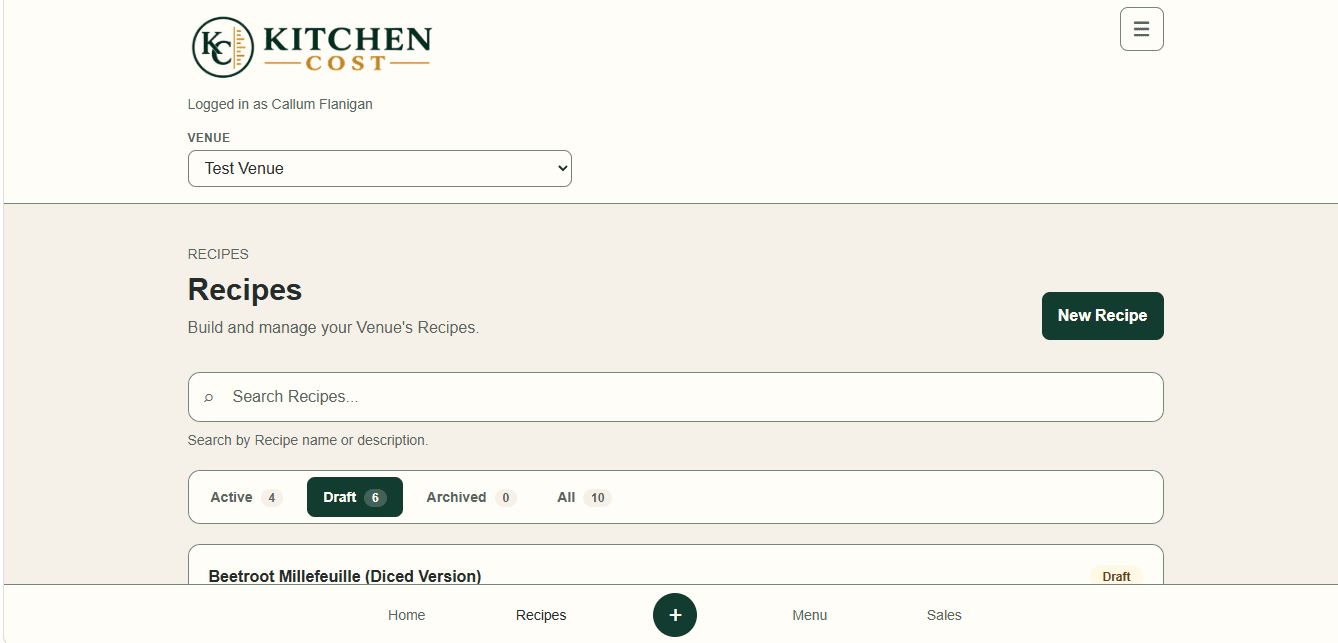
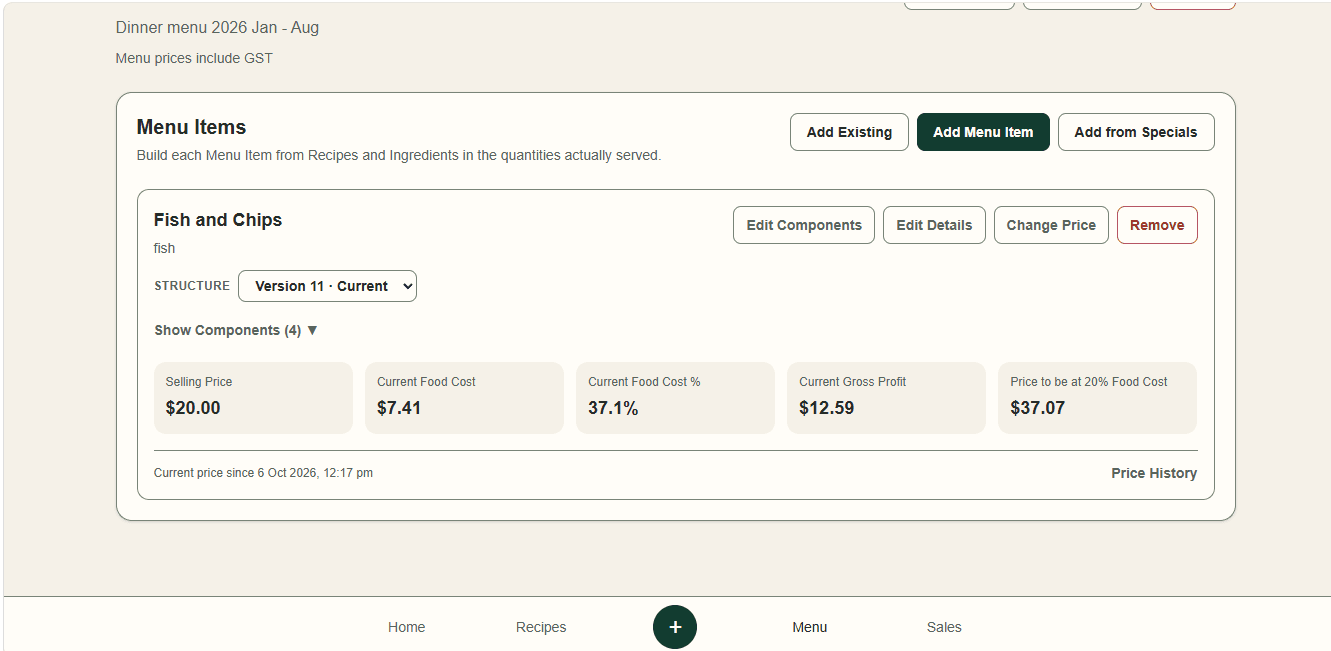
Connect ingredients to recipes, sub-recipes and menu items to understand their estimated costs.
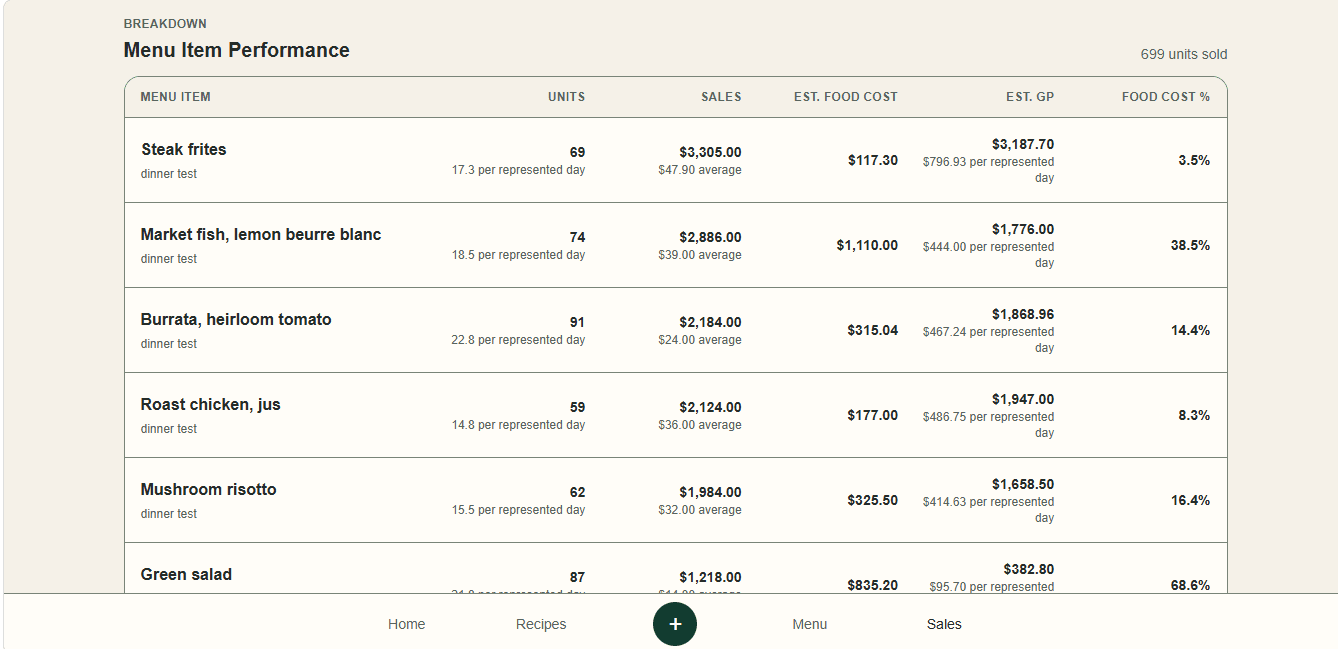
See where costs have moved and consider manually recorded sales or Z-read information alongside your estimates.
SEE THE WORKFLOW
Use the same ingredient prices to understand recipes, menu items and recorded sales.
MADE FOR THE DETAIL
Keep the moving parts of food cost connected, without losing sight of what is an estimate and what is evidence.
Review Estimated Food Cost and Estimated Gross Profit alongside recorded sales to support your next menu decision.
See how it worksInvoices · Evidence
Upload supplier invoices with a phone camera and keep the original document alongside captured details for checking.
Ingredients · History
Review ingredient price history and identify supplier price changes that deserve attention.
Recipes · Menus
Build recipes and sub-recipes, compose menu items and review their pricing history.
Guidance · Attention
Use target food-cost guidance and cost-change attention lists to decide what to investigate.
Manual sales · Z-reads
Record sales manually or capture Z-reads.
Team · Multiple Venues
Organise costing across multiple Venues, with staff access managed by Business owners or administrators.
A person reviews details captured through menu and document extraction against the original source.


A KITCHEN-LED POINT OF VIEW
Kitchen-Cost was created by chef Callum Flanigan after 20 years working in hospitality and more than a decade running kitchens. It was built to solve a familiar problem: supplier prices change constantly, while recipe costs and menu pricing are often left behind.
STRAIGHTFORWARD PRICING
Know the monthly price before you request a trial. No signup required to see what it costs.
A$80 / month
Including GST · Includes the first Venue
A$65 / month
including GST for each additional Venue
Staff accounts are included with the Business subscription at no additional cost. Business owners or administrators manage staff access.
Questions about team access or your setup? Contact Support.
Kitchen-Cost is intended for chefs, restaurant owners and hospitality operators who want clearer evidence behind recipe costs and menu pricing decisions.
Kitchen-Cost Business is A$80 per month including GST and includes the first Venue. The offer and additional-Venue price are shown above.
Each additional Venue is A$65 per month including GST.
Staff accounts are included with the Business subscription at no additional cost. Business owners or administrators manage staff access.
Yes. Supplier invoices can be captured with their original documents retained as evidence. Extracted information can be reviewed against the source.
Menu and document extraction can assist with capturing information, with a person reviewing extracted details. Ask the team about your menu format.
No. Kitchen-Cost focuses on hospitality costing and menu decisions; it is not an accounting ledger or a replacement for accounting software.
Sales are recorded manually or captured from Z-reads. Kitchen-Cost does not receive a live sales feed.
Request a trial opens the Business account request and begins the existing signup and approval journey.
Use Request a private demonstration to contact Kitchen-Cost through Support. You can see Kitchen-Cost and discuss your kitchen before applying.
For current information about data handling and security, contact Kitchen-Cost Support. The marketing site does not collect or store Business data.
LET'S TALK COSTS
Contact Kitchen-Cost to arrange a private demonstration. See the product and discuss your kitchen before applying.
A trial request begins the Business signup and approval journey.